Monday, December 13, 2010

Step by Step


Step 1: I make a new A4 size layer, colour background (navy blue) as a background. I use 'Rectangular Marque Tool' and 'Elliptical Marque Tool' to select the pictures and hold 'Alt' to copy it into my new background. Then press 'Ctrl T' to resize the pictures.

Step 2: For the FOM monument, I use 'Polygonal Lasso Tool' because I only want to select the blue area. Then, hold 'Alt' and drag it into background file.

Step 3: I use 'Line Tool' and 'Ellipse Tool' to make the line that connecting the FOM monument to each pictures.
Step 4: Select the pictures layer (except FOMcafe layer) and I change the 'Blending Mode' to 'Hard Light'. Now, the pictures look darker than before. For FOM monument layer, I set the blending mode to 'Lighten' to make the picture more bright.

Step 5: I use 'Horizontal Type Tool' and choose ISOCTEUR as font for the text (Date and Tagline) and Footlight MT Light for the title and I choose gray for the colour.

Step 6: To select MMU Mascot, I use 'Quick Selection Tool' after that, click 'Selection Tool' and hold 'Alt' to copy and drag the mascot into wallpaper. For MMU logo, I just drag it into the wallpaper.

Step 7: Select the background layer, click 'Filter' at menu bar, choose 'Render', 'Lens Flare' and change the brightness to 60%. Finally, Clicked twice at the background layer to change the layer style, I add 'Inner Shadow' and 'Bevel and Emboss' to make my wallpaper more interesting.

p/s: please correct me if i do wrong

Sunday, November 28, 2010

Final Outcome


This is a girl with her chef hat.


p/s: please correct me if i do wrong

Sunday, November 21, 2010

Assignment 1 – Fruit Face.. :D


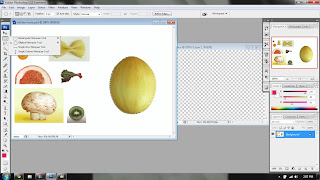
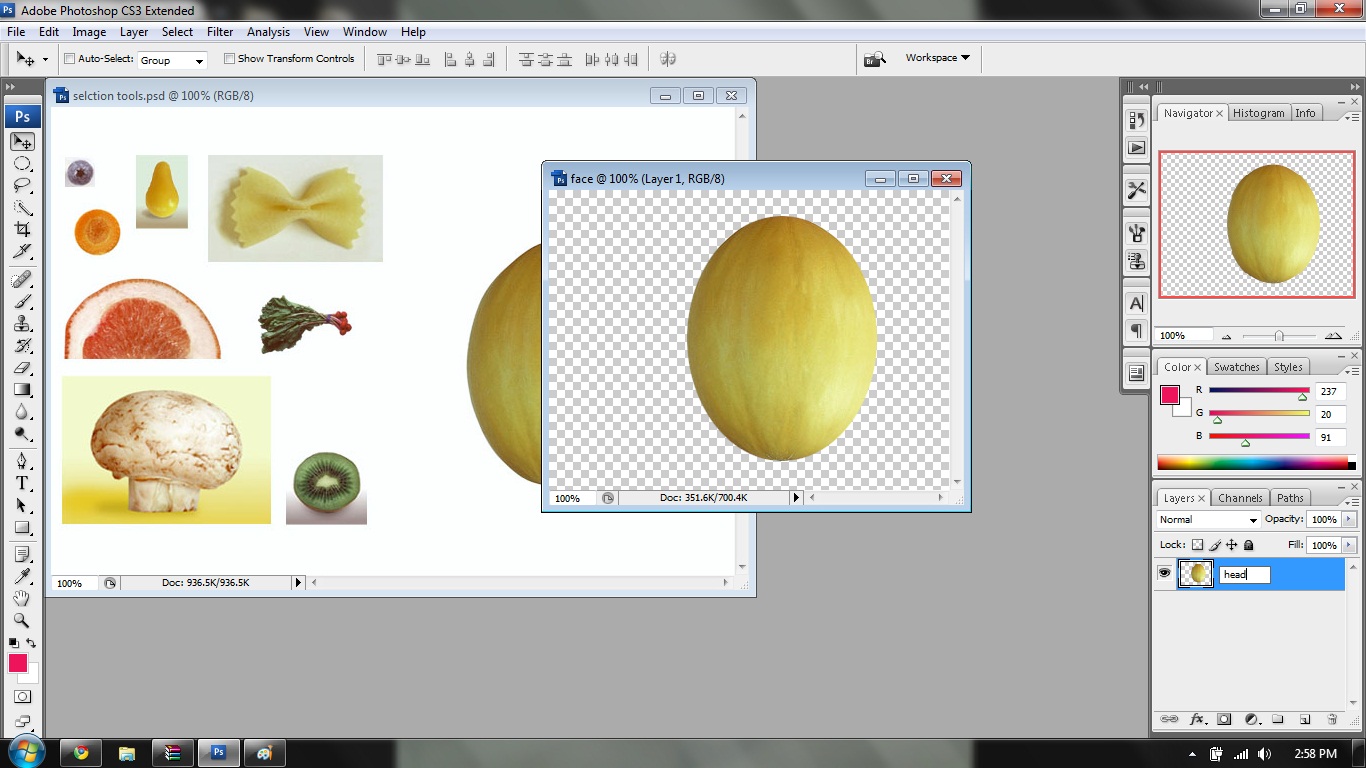
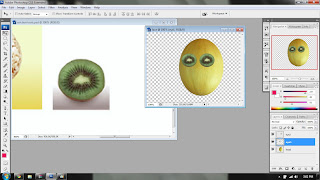
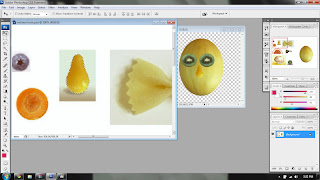
I want to create a face of a girl with a chef hat.. First, I create a new file and named it as 'face'. Then I use Elliptical Marquee Tool to select the honey dew,after that use Selection Tool and hold 'Alt' to copy it to new file ('face'). I also use the same tools to select and copy the 'eyes' , but in the different layer (new layer).


Then, I use Rectangular Marquee Tool and select the outer picture of 'nose', use Magic Wand Tool and hold 'Shift' to select only the nose shape. Use Selection Tool and hold 'Alt' to copy it to 'face file' in new layer.


After that, I use Quick Selection Tool to select 'mouth' and click Free Transform to change the size. Then choose Transform and Flip Vertical to change the position.


To make her pony tail hair, I use Quick Selection Tool, copy and paste it in a new layer. For the another pony tail hair, copy it again and click 'Edit' at menu bar, choose 'Transform' and 'Flip Horizontal'. Move the hair layer below the head layer.


Again, I use Quick Selection Tool to select the hat and eyes brow. For the hat, I hold 'ctrl T' to change the size and shape and for the eyes brow, first I hold 'ctrl T' to change the size then copy it and select the copied eyes brow click 'Edit' at menu bar, choose 'Transform' and 'Flip Horizontal'. I use Elliptical Marquee Tool to select the eyes ball and ears as to make it more interesting. Also move the ears layers below the head layer.

p/s: please correct me if i do wrong

Sunday, September 5, 2010

Final Outcome


This is my final outcome.

p/s: please correct me if i do wrong

Step by Step


Layer 1

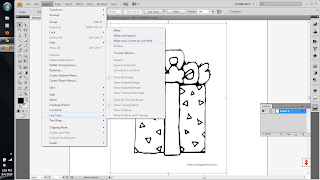
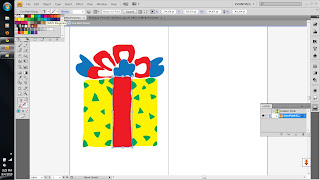
1st step: Import the original picture of present, I click 'object' from menu bar,choose 'live trace' , 'make and convert to paint'. Double click at this picture to make them in 'isolation mode'. Then I choose yellow, red, blue and green CMYK color for this present. Select all the picture, then hold 'Ctrl' then press 'G' to make it in a group. Copy this present, and change the color again, to make it different.


2nd step: I use 'rectangle tool' and choose brown CMYK color. Then, right click it, choose 'arrange' - 'bring to back' to make it as a background.


3rd step: Use 'type tool' to make 'Happy Birthday' word. I choose 'Ravie' and magenta color for the font. I change the size to 60 pt.

Layer 2


1st step: Use "type tool' again to make the wishes, this time, i choose ScriptS as for font and change the color to pink and the size to 36pt. Then, I click 'align center' to make it more nice.


Layer 3

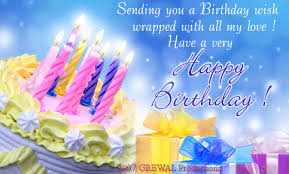
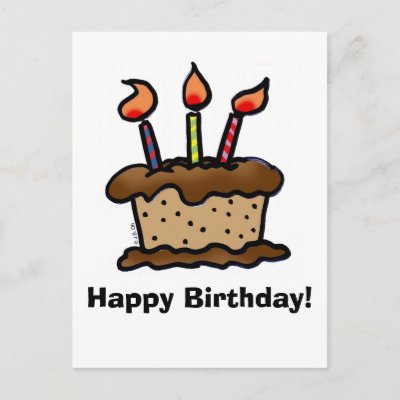
1st step: This step is like 1st step in layer 1. Import the original picture of cake, I click 'object' from menu bar,choose 'live trace' , 'make and convert to paint'. Double click at this picture to make them in 'isolation mode'. Then I choose brown, pink and orange CMYK color for this cake. Select all the picture, then hold 'Ctrl' then press 'G' to make it in a group.

2nd step: use 'arc tool' to draw a path, use 'type tool' and click it right on the path to make the word (Happy Birthday) looks like a curve. Then, drag it onto the cake.

3rd step: same step as 1st step.

4th step: select the cake, and change the opacity to 50% to make it a little bit blur.

p/s: please correct me if i do wrong

References

Source: http://t2.gstatic.com/images?q=tbn:T-9WCtqSF23VGM:http://i528.photobucket.com/albums/dd321/tweety_48_bucket/birthday%20wishes/2vaoak7.gif&t=1
Source: http://rlv.zcache.com/birthday_cake_postcard-p239818291454062249trdg_400.jpg
Source: http://www.dragoart.com/tuts/pics/9/952/4308/how-to-draw-a-simple-birthday-cake-step-4.jpg


p/s: please correct me if i do wrong

Thursday, September 2, 2010

Birthday Celebration in Malaysia.. ;)


    In Malaysia all birthday celebrations family members and friends gather together to enjoy food. They may sing along together or play musical instruments. Friends or relatives who visit give presents to the person celebrating their birthday or they may give an ang-bao. This is a small red packet filled with money. If relatives do not know what to buy, the money is a good present.At about 16 when teenagers start to invite boys and girls to their parties there is lots of dancing and games to help find a partner. They often make up their own games so that everyone eventually finds their own partner. The trick is always to have the same numbers of boys and girls! At 18 birthdays are celebrated with family members or people may go to the movies with their boy/girlfriend. At 21 people usually have a big party.At all birthday celebrations people have birthday cake with candles and they sing the Happy Birthday song in English, Chinese or Malay.

    Source: http://www.birthdaycelebrations.net/malaysianbirthdays.htm


p/s: please correct me if i do wrong